Security and control

Access that follows responsibility.

Give people the exact practice and workflow access they need, preserve every meaningful change, and keep developer access outside client administration.
Book a focused demo Explore QMED+
Security and controlLive workspace
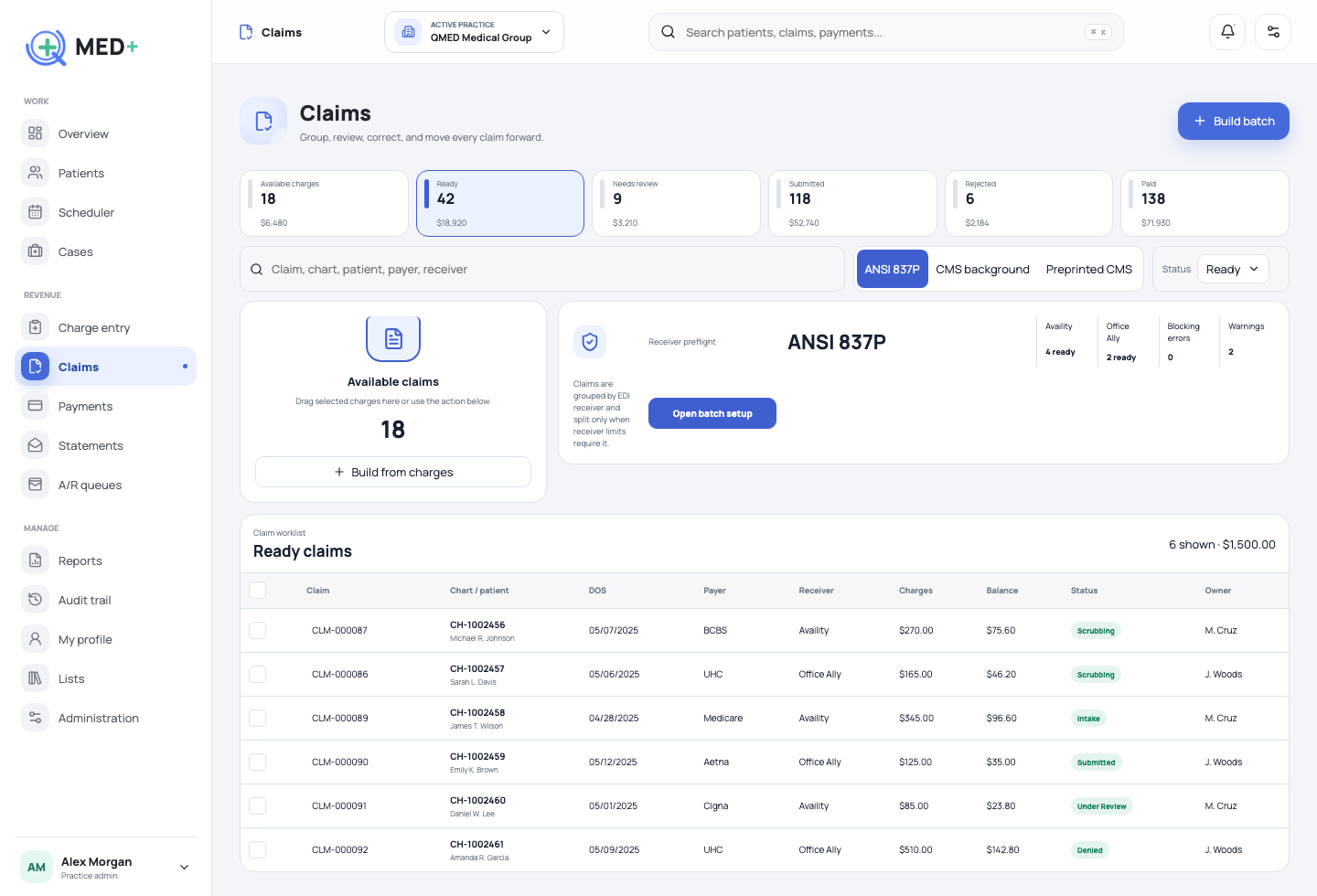
Security and control QMED+ product screen
RolesEditable permission matrix
PracticesUser-level assignments
AuditWho, what, and when
How the work moves

A workflow with a beginning, a decision, and a visible finish.

01

Define responsibility

Roles separate workflow permissions from practice assignments.

02

Protect privileged access

Developer and superadmin capabilities remain explicit and reviewable.

03

Read the history

Audit language names the person, record, action, and business meaning.

01

Human-readable audit history

Your team sees what changed in plain language, not a pile of database fields.

  • Patient, case, claim, payment, and scheduler filters
  • Front-end identifiers instead of UUIDs
  • Actor and timestamp context
02

Purpose-built administration

Superadmins manage users while QMED developer access remains protected.

  • Activate, deactivate, reset password
  • Practice assignments
  • Role and permission configuration
See it in your workflow

Make the next step concrete.

We will map QMED+ to the work your team performs today.

Schedule a session